Proof of work, without the paperwork.
RepairDoc automatically captures and organizes proof of work while your technicians work — creating a clear, professional record of every service call.
Built for technicians. Designed for trust.
Job no.
WO-4821
Trade
Appliance
On-site
9:04–9:51 AM
Evidence
14 captures
SAMPLE JOB TIMELINE
Job started
9:04 AMSession opened from the mobile app
Initial condition documented
9:08 AMArrival photos of the unit and surround
Fault identified
9:14 AMDrain pump not engaging
Failed component documented
9:21 AMPump housing cracked, impeller seized
Replacement installed
9:38 AMOEM drain pump fitted and sealed
Repair completed
9:47 AMUnit reassembled, panels refitted
Final test passed
9:51 AMDrain cycle verified
CAPTURED ON SITE
Evidence


AI Job Summary
Auto-generatedTechnician inspected the dishwasher and identified a failed drain pump. The damaged component was documented and replaced. The unit was reassembled and tested through a complete drain cycle. Final testing confirmed normal operation.
Sample job — illustrative data
Timestamped · Location-tagged
Built for field service teams
The work gets done. The documentation doesn’t.
Service technicians are expected to document every job. The workflow they’re given hasn’t caught up.
Today
- Technician stops working
- Pulls out phone
- Takes random photos
- Forgets important shots
- Photos get buried in the camera roll
- Office has incomplete documentation
- Customer questions what actually happened
With RepairDoc
Automatic- Technician does the work
- RepairDoc captures the job
- AI organizes the evidence
- The office gets a complete record
- The customer gets clear proof
Your technicians should focus on the repair. RepairDoc handles the record.
From service call to documented job. Automatically.

Start the job
The technician starts a RepairDoc session from the mobile app in seconds.

Do the work
The technician captures photos and quick voice notes on their phone as the work happens — no forms, no typing.

RepairDoc organizes everything
AI sorts captures chronologically, surfaces important moments, and helps generate a concise summary of the work performed.

Share the proof
The office receives a complete job record that can be reviewed, stored, or shared with the customer.
Every job tells a story. RepairDoc documents it.
A sample job showing how RepairDoc turns captures into a professional record. Illustrative data — the real thing comes from real jobs.
Job started
9:04 AMSession opened from the mobile app
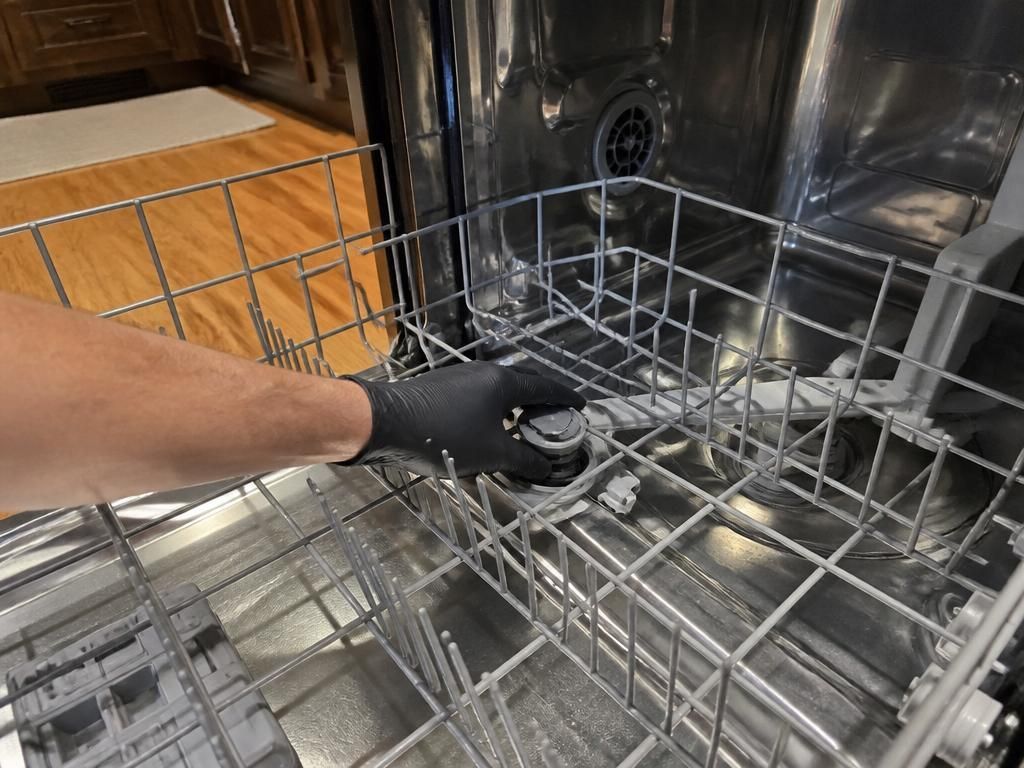
Initial condition documented
9:08 AMArrival photos of the unit and surround
Fault identified
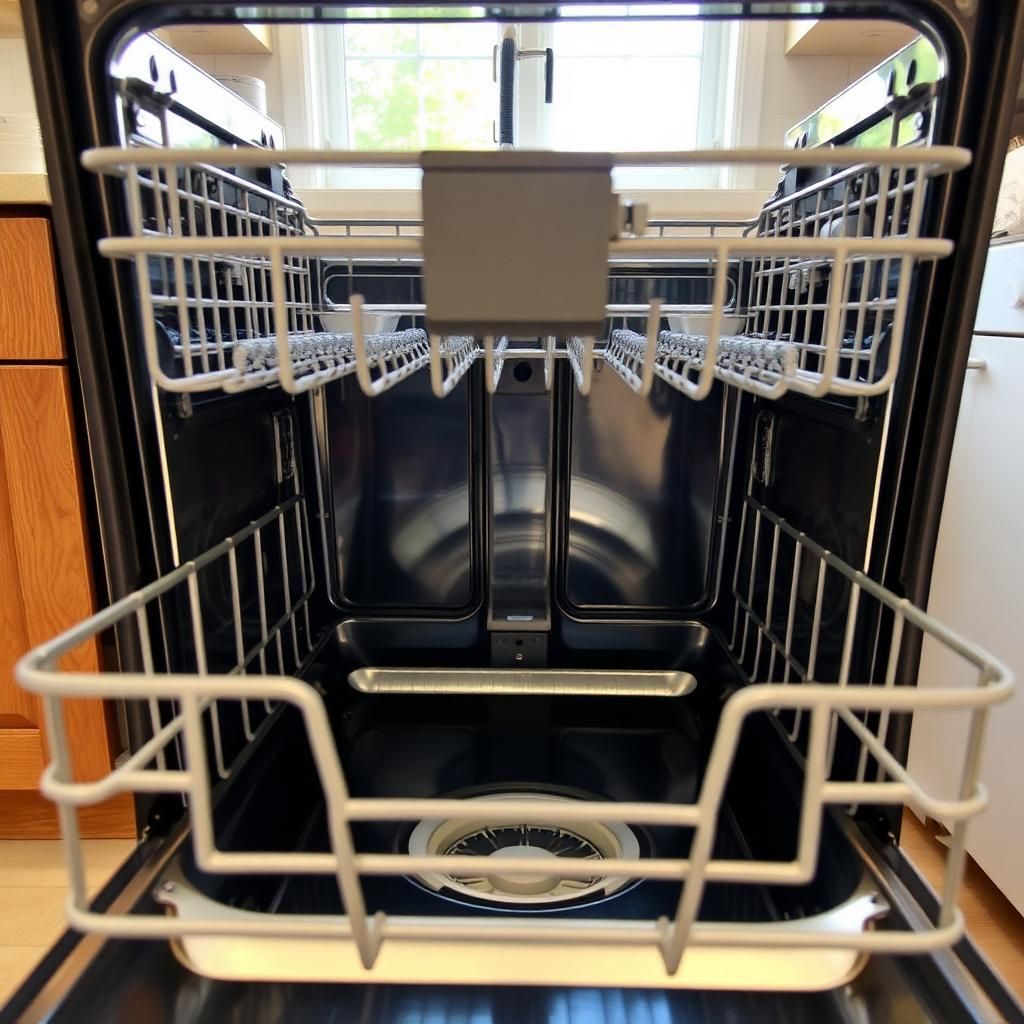
9:14 AMDrain pump not engaging
Failed component documented
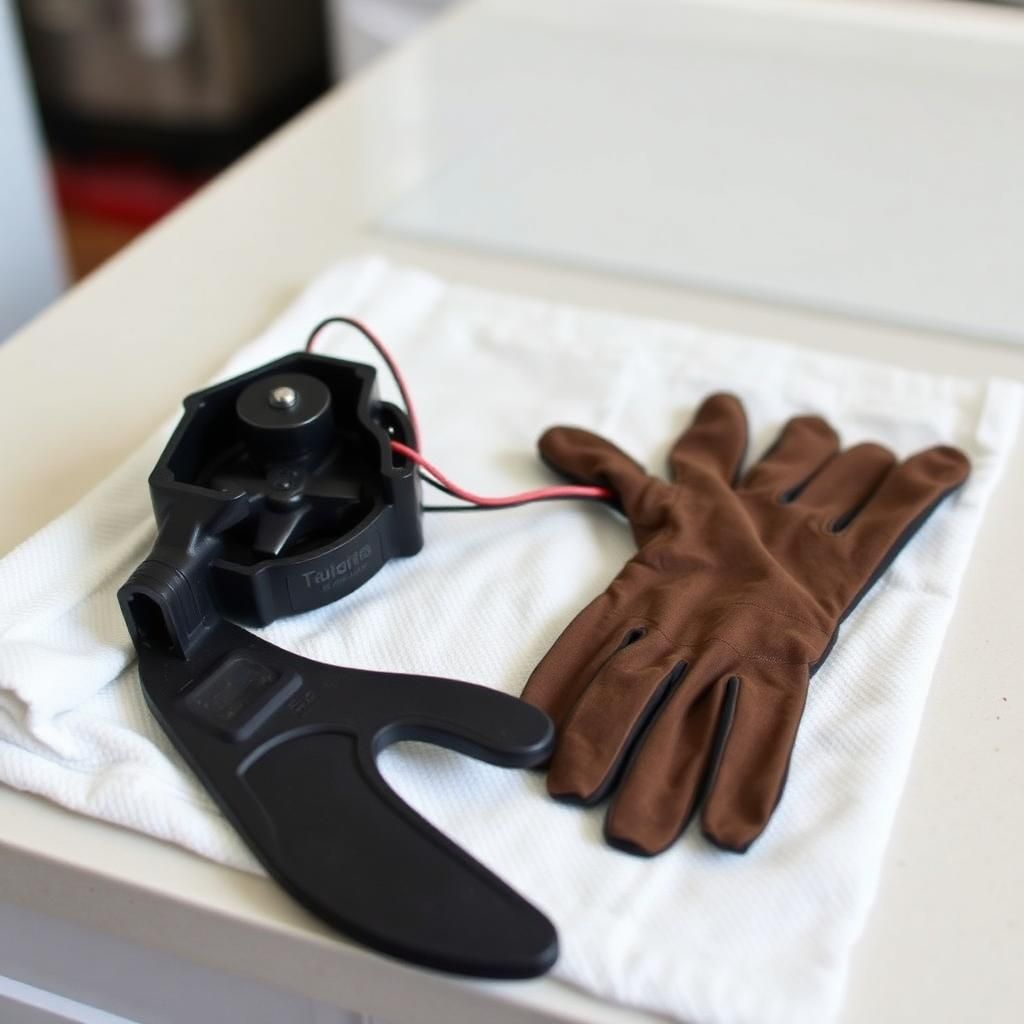
9:21 AMPump housing cracked, impeller seized
Replacement installed
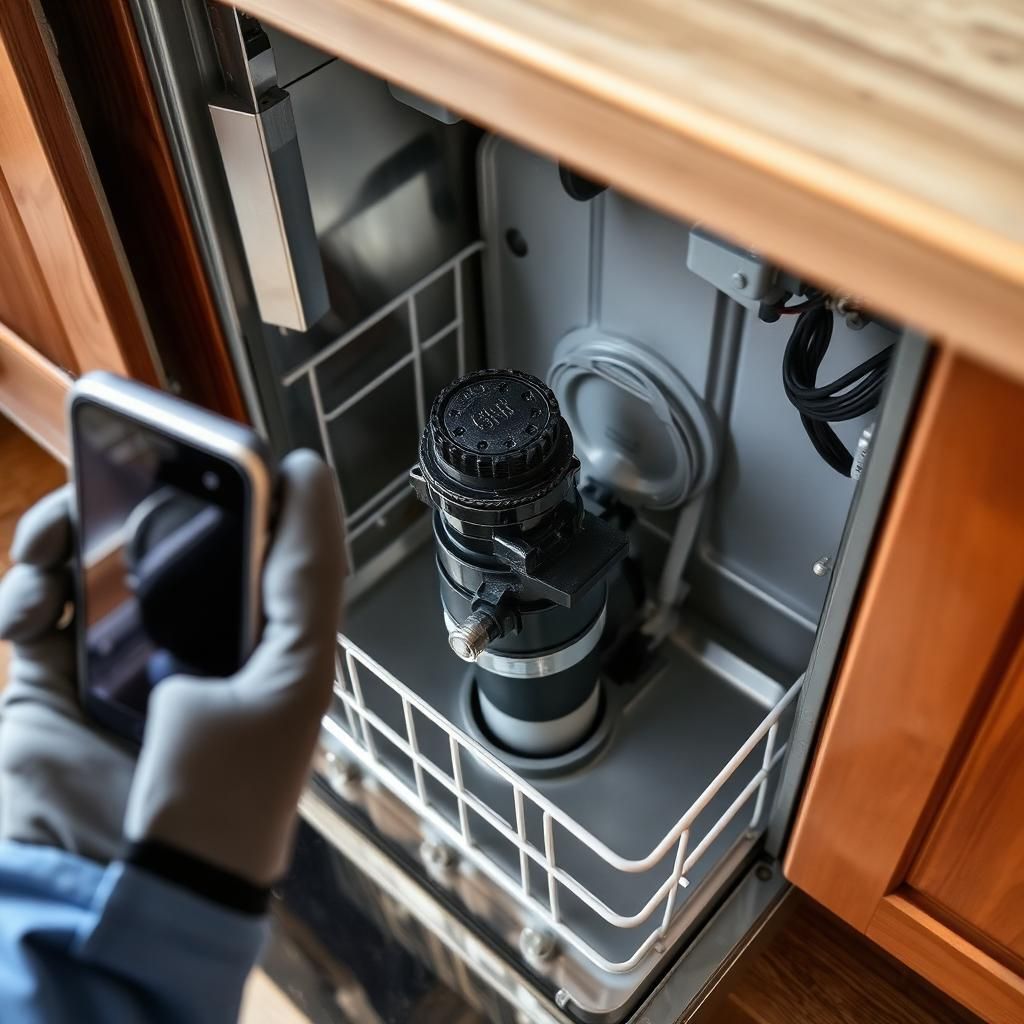
9:38 AMOEM drain pump fitted and sealed
Repair completed
9:47 AMUnit reassembled, panels refitted
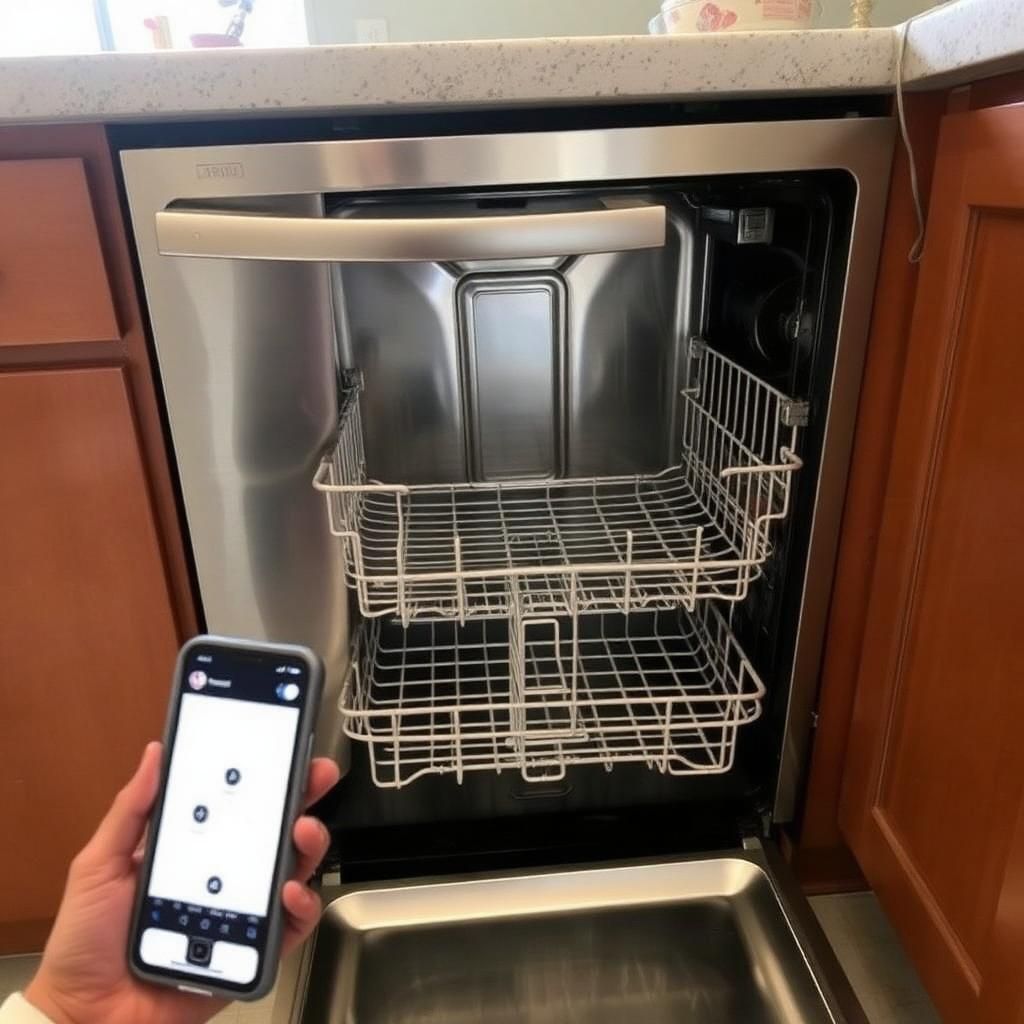
Final test passed
9:51 AMDrain cycle verified
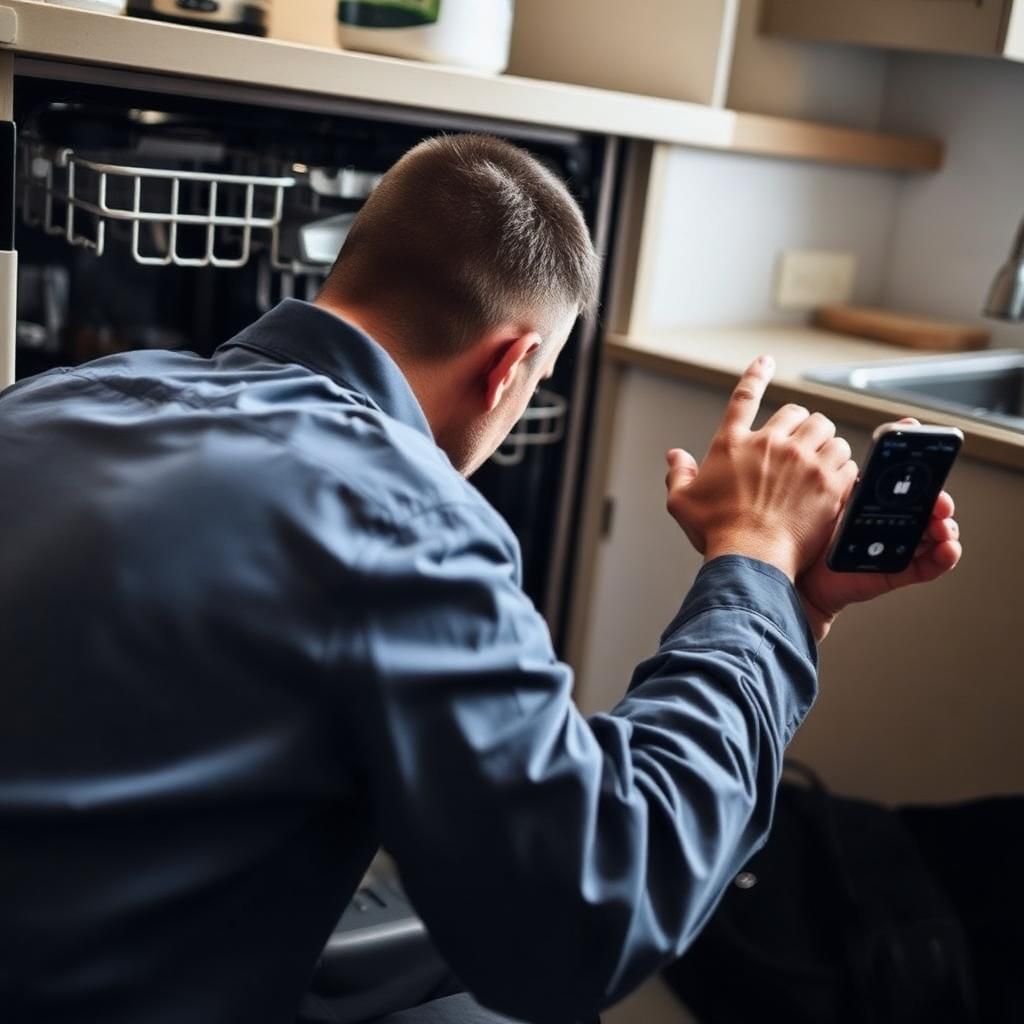
Sample job — illustrative data
AI Job Summary
Auto-generatedTechnician inspected the dishwasher and identified a failed drain pump. The damaged component was documented and replaced. The unit was reassembled and tested through a complete drain cycle. Final testing confirmed normal operation.
Documentation Complete
Ready- 7 key moments captured
- Before condition documented
- Repair documented
- Final test documented
- Customer report ready
Anatomy of a record.
Three kinds of content — always labeled, never mixed.
Captured evidence. Photos and audio, kept at original capture time, timestamped and location-tagged. Untouched.
What the technician said. Voice notes transcribed and attributed, word for word — always quoted, never paraphrased into the record.
What the AI assembled. Summaries built only from the captures above — clearly labeled, so no one mistakes them for evidence.
That separation is the whole point: when a homeowner or insurer pushes back, everyone can see exactly what was observed, what was said, and what was summarized.
RECORD
OCT 14 · 14:32“Drain pump’s seized — impeller won’t turn by hand. Homeowner should see this before I swap it.”
Sample job — illustrative data
Watch a record assemble itself.
// interactive — simulated pipeline
PIPELINE
IDLEClick below to watch a job assemble itself from captured evidence, a transcribed voice note, and an AI-assembled summary.
This is a simulation with sample data — real records are built only from real captures.
A camera captures images. RepairDoc creates a record.
RepairDoc is more than a wearable camera. The AI layer turns raw job documentation into usable business records.

Smart Timeline
Automatically organize captures by job and time.

Key Moment Detection
Surface the most important moments from the service call.

AI Job Summaries
Turn job documentation into concise service summaries.

Before & After
Help identify and organize evidence showing conditions before and after work.

Customer Reports
Create clean, professional documentation customers can understand.

Searchable Job History
Reference the visual record long after the technician leaves.
More than capture. A record of the whole job.
RepairDoc organizes the work your technicians already do — materials, work orders, photos, and reports — into one clean record.
Live
Work Orders
Create and assign work orders, and track each one from open through invoiced.
Live
Materials Tracking
Log materials by voice or a photo of the receipt — RepairDoc extracts the line items for you.
Live
Capture Assist
Job-type photo checklists that flag missing shots before the technician leaves the site.
Live
CompanyCam Import
Bring existing CompanyCam project photos straight into a RepairDoc job.
Live
Branded Reports
Professional, company-branded job reports with a shareable customer link.
Live
Owner Review
Owners review the AI report and can correct it by voice before it goes out.
Live
Team Accounts
Add technicians and manage your crew in one place.
Live
Photo Quality Checks
Blurry or badly exposed photos get flagged at the moment of capture.
Coming soon
Hour Tracking
Track technician time on each job.
GPS Verification
Location-stamped captures that confirm the work was done on site.
Reminders
Automatic follow-up reminders for jobs and work orders.
AutoCapture
Hands-free wearable capture with the RepairDoc Clip.
Better documentation changes everything.

Fewer disputes
Create a clear record of what technicians encountered and what work was performed.

Fewer unnecessary callbacks
Give the office better context when customers call after a service visit.

More customer trust
Show customers what was found, repaired, and tested.

Better technician protection
Objective documentation of jobsite conditions and completed work.

Better quality control
Give managers visibility into how work is completed without adding paperwork.

Stronger business records
Build a visual service history for every customer and asset.
Built for the trades that live on documentation.
We start where proof of work carries the most weight — roofing, restoration, and exterior work that runs through insurance and warranty claims — then extend to every service trade that needs a clean record.

Roofing
Document storm damage, discovered conditions, and completed repairs. Evidence-grade records for supplements, disputes, and warranty claims.
Learn more →
Restoration
Document conditions and progress throughout complex projects.
Learn more →Appliance Repair
Document failed components, repairs, replacements, and final testing.
Learn more →
HVAC
Capture equipment condition, service performed, and completed work.
Learn more →
Plumbing
Document leaks, damaged components, repairs, and final conditions.
Learn more →
Electrical
Create visual records of installations, repairs, and completed work.
Learn more →
Property Maintenance
Maintain clear documentation across properties and service requests.
Learn more →
Home Inspection
Create a chronological visual record of property conditions and findings.
Learn more →Give customers proof, not promises.
Every completed job becomes a clean, professional record customers can understand at a glance — with the photos, work performed, and final testing all in one place.
RepairDoc provides documented evidence of the service performed based on captured job records.
Job no.
RD-4471
Appliance
Dishwasher
Fault
Failed drain pump
On site
9:04 — 9:38
Evidence
6 photos
Sample job timeline
5 steps · 34 min- 9:04 AM01Job started
Technician on site, capture session opened.
- 9:08 AM02Initial condition documented
Interior and drain area photographed before any work.
- 9:14 AM03Fault identified
Drain pump found seized during diagnostic cycle.
- 9:21 AM04Failed component documented
Damaged pump removed and photographed for the record.
- 9:38 AM05Replacement installed
New pump fitted, unit reassembled and drain cycle run.
Work ordered vs. work proven
- Replace failed drain pumpDocumented
- Reassemble and test unitDocumented
- Added on site: gasket kitDocumented
Scope from the work order. The work order itself stays in the contractor's records.
Evidence
Plates 01—06Technician inspected the dishwasher and identified a failed drain pump. The damaged component was documented and replaced. The unit was reassembled and tested through a complete drain cycle. Final testing confirmed normal operation.
“Pump was seized — swapped it, ran a full drain cycle, drains clean now.”
Sample job — illustrative data
Sample job — illustrative data. A real customer report will replace this slot once an early-access customer opts in to share theirs.
- MRMike R.Alvarez, D.Dishwasher repairDocumentation Complete
- STSara T.Nguyen, P.AC condenser serviceIn Progress
- JKJared K.Miller, K.Water heater installNeeds Review
- PSPriya S.Chen, L.Panel inspectionReport Sent
Know what happened without calling the technician.
Give your office a clear record of completed work without chasing technicians for photos, notes, and explanations. Click into any job to see the complete visual timeline.
Documentation that protects everyone.
Protect the customer
Give customers a transparent record of the service they received.
Protect the technician
Document the conditions technicians encountered and the work they performed.
Protect the business
Maintain better records for disputes, callbacks, warranties, and quality control.
Designed for responsible documentation.
RepairDoc is being designed around intentional job-based capture — not continuous employee surveillance.
RepairDoc is built to document the work — not monitor the worker.
- Technician-controlled job sessions
- Clear capture indicators
- Business-defined documentation policies
- Secure job records
- Customer and property privacy considerations
- Administrative controls
Simple pricing built for service teams.
Start free with a full branded report. Solo adds your own branding for $19/month. Team unlocks the office dashboard and work orders at $49/month for up to 3 technicians. Early-access pricing — subject to change.
Starter
Unlimited jobs. Free forever.
No credit card. No password to pick.
- Owner-only access (1 user, no crew members)
- 90-day job history retention
- Unlimited documented jobs
- Full AI job documentation + report
- Customer-shareable service record
- RepairDoc-branded reports
- Mobile app
Solo
For the solo pro who wants their own brand.
- Everything in Free, plus:
- Your own branding on every report
- Voice notes & corrections
- Priority support
- 1 user
Team
For small service companies.
+$10/month per additional technician.
- Everything in Solo, plus:
- Office dashboard
- Team management
- Shared job records
- Advanced reports
- Up to 3 technicians
Fleet
For larger field service organizations.
- Unlimited technicians
- Volume pricing
- Custom deployment
- Onboarding help
- Priority support
Early-access pricing — subject to change.
The work is already happening. Start documenting it.
Start documenting your work today. No credit card. No password to pick.